Vacations & Time Off
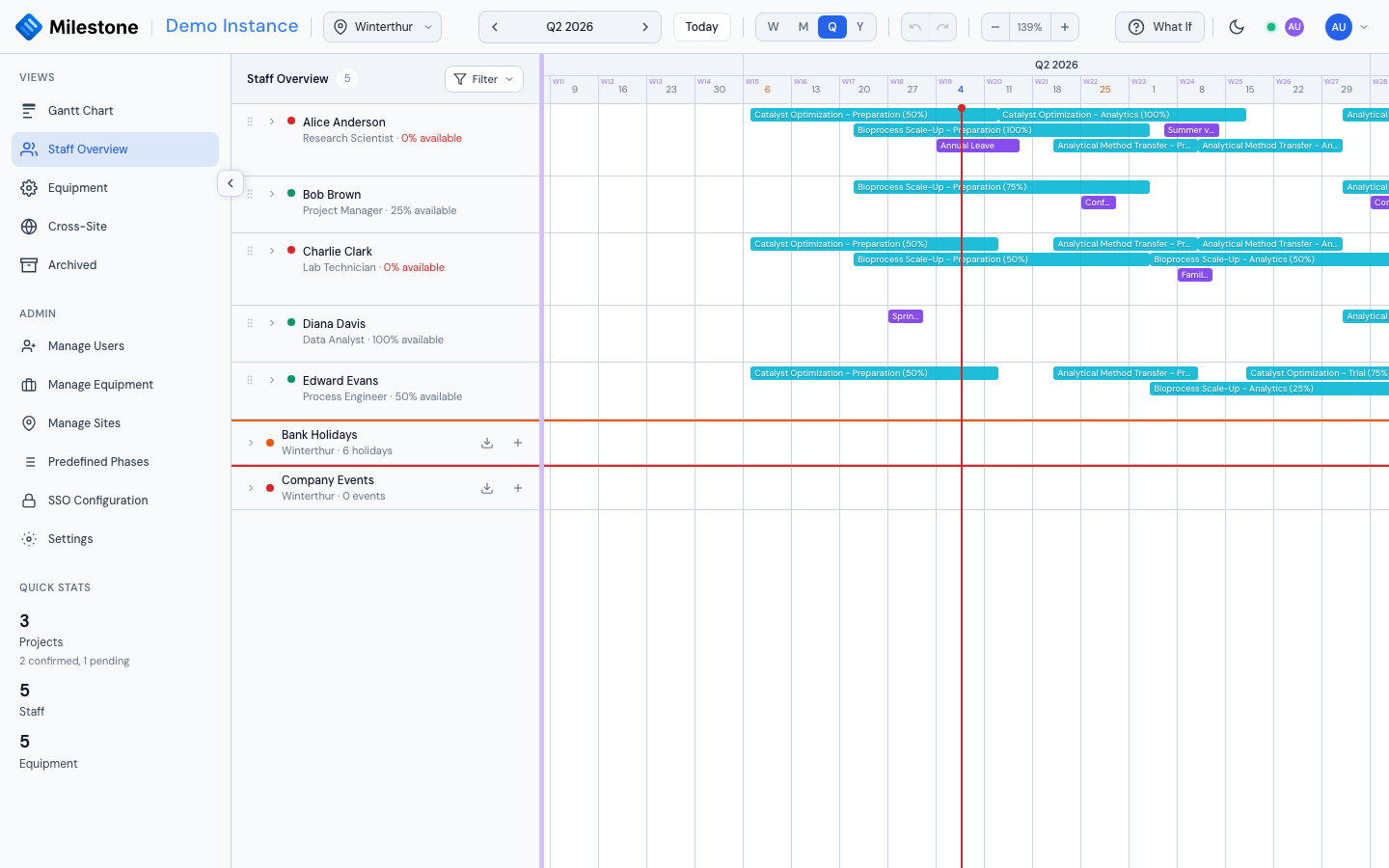
Milestone tracks staff vacations and time off to provide accurate availability data in the Staff Overview.
Creating Vacations
- In the Staff Overview, expand a staff member and click + Add vacation/time off
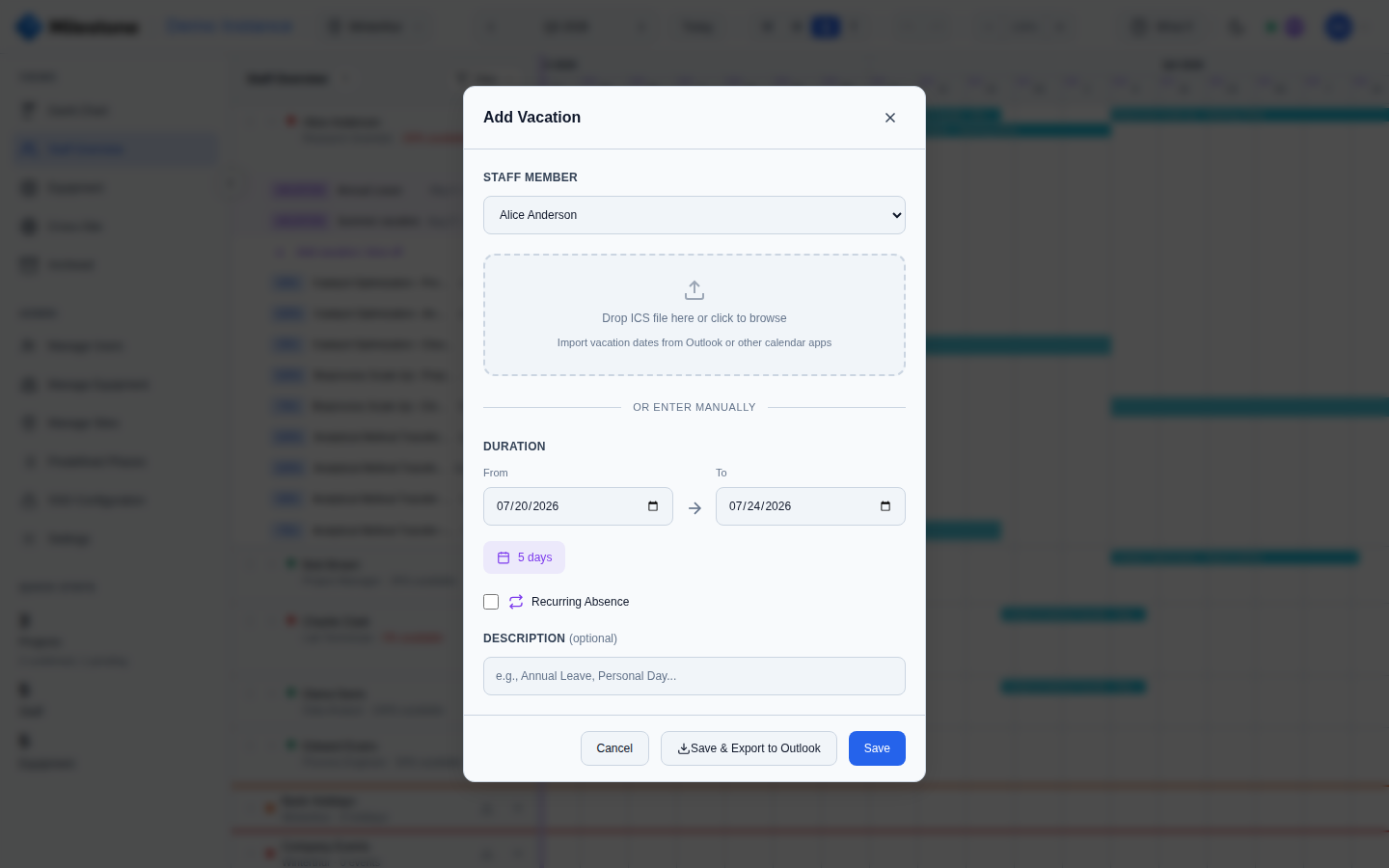
- Set the From and To dates (duration is calculated automatically)
- Optionally add a description (e.g., "Annual Leave", "Conference")
- Click Save
Administrators can create vacations for any staff member by selecting from the dropdown.
Recurring Absences
For regular part-time patterns (e.g., every Monday and Wednesday off):
- Check Recurring absence in the Vacation Modal
- Select the days of the week (Mon through Sun)
- Click Save
Recurring patterns are shown with a repeat badge in the staff list and affect availability calculations on the selected days.
Importing from Calendar (ICS)
Import vacation dates directly from Outlook or other calendar applications:
- In the Vacation Modal, drag-and-drop an .ics file onto the upload zone (or click to browse)
- Milestone parses the calendar events and displays them as a selectable list
- Check/uncheck individual events
- Click Import to create vacation entries for the selected events
The importer handles UTF-16 encoding (common with SAP calendar exports).
Exporting to Outlook
Click Save & Export (instead of just Save) to download an .ics file that you can open in Outlook or any calendar app to sync the time-off to your personal calendar.